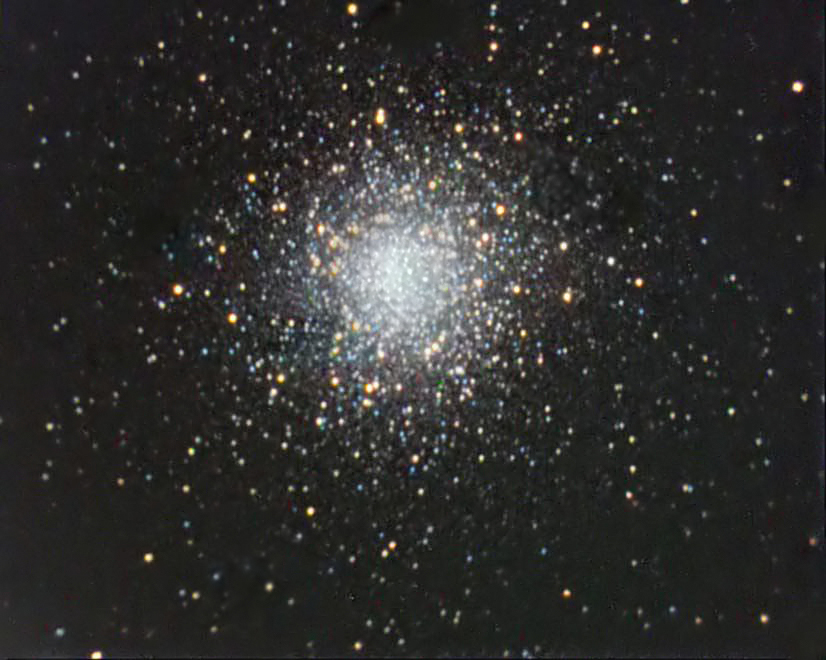
How do I resize this large file (1 MB) to <500KB?
Resizing a JPEG pic
Started by paul nowicki, 05/13/2011 04:00PM
Posted 05/13/2011 04:00PM
Opening Post
Posted 05/13/2011 04:44PM
#1
Do you have a version of Photoshop? If you do, I can lead you through the process with that. If not, you could get something like Irfanview (it is free, not too big, and easy to use). Photoshop has a "Save for Web" feature that lets you reduce the file size of a JPEG without turning it into a thumbnail. Let me know.
Posted 05/13/2011 04:56PM
#2

If you have a Mac, it can done very easily in "Preview", which is included with the Leopard/Snow Leopard operating system.
Posted 05/13/2011 07:52PM
#3
Open your photo is Paint. Then select Image on the menu and Resize/Skew. I usually set Horizontal and Vertical to about 20%. That usually provides a suitable size for AstroMart. Then save the image with a new name. No fuss. No muss. No money out of pocket.
[SIZE="Small"]------------
I have several telescopes, but none are semi-APO, APO, or in anyway valuable.
[/SIZE]
Posted 05/13/2011 08:10PM
| Edited 05/13/2011 08:11PM
#4

I highly recommend Paint.net
It's free and beautifully designed, giving all the basic image manipulation tools you could want in a free package. Nice to look at and easy to use and did I mention the price? Here's the link:
http://www.getpaint.net/
(GIMP is also available on that site and, though more powerful, it has a MUCH steeper learing curve and not recommended for quick and dirties like resizing images. I'd start with Paint.net
-Paul
It's free and beautifully designed, giving all the basic image manipulation tools you could want in a free package. Nice to look at and easy to use and did I mention the price? Here's the link:
http://www.getpaint.net/
(GIMP is also available on that site and, though more powerful, it has a MUCH steeper learing curve and not recommended for quick and dirties like resizing images. I'd start with Paint.net
-Paul
Funding Member