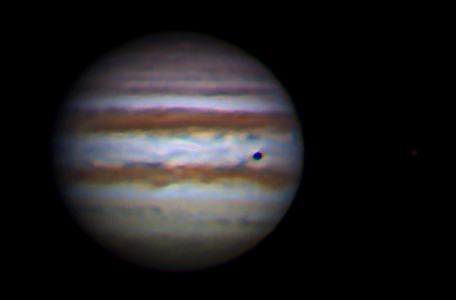
Greetings,
I hope to capture some images of Mars this week using the ToUcam Pro. This will be my first attempt. Is there a "cookbook" way one should, capture, stack, and process the photos? I've read a lot of the messages posted....hopefully what I've read will help out a little bit. I have Registax and Adobe Photoshop that I can use. I'll be photographing through a C-8 and using a 2x barlow. Any and all information is greatly appreciated. I'm extremely impressed with all the images shown in this forum....keep up the good work!
Mark
I hope to capture some images of Mars this week using the ToUcam Pro. This will be my first attempt. Is there a "cookbook" way one should, capture, stack, and process the photos? I've read a lot of the messages posted....hopefully what I've read will help out a little bit. I have Registax and Adobe Photoshop that I can use. I'll be photographing through a C-8 and using a 2x barlow. Any and all information is greatly appreciated. I'm extremely impressed with all the images shown in this forum....keep up the good work!
Mark